Fix crash issue of my NAS on tiny Raspberry Pi
Problem
My NAS is a tiny Raspberry Pi 4B running Arch Linux (armv7 build), and it has
haunted me from the very beginning. In most cases, when I copy a big file
(> 2 GB) to it, I see the SSH connection drop, and uptime reveals a crash.
Anyway, my home lab had plenty of new features waiting for me, so I filed this
one under tech debt and moved on.
Recently I was measuring the performance of samba, so I used fio to write
a big data set to this RPi. The crash showed up again, and this time I noticed
that all crash cases involved writing data remotely, while all local tests
passed. So the root cause should be in the samba server I installed from the
standard Arch Linux repo. “Maybe like other intimidating issues, the root cause
is simple”, I thought.
Solution
The test ran in a screen session:
- the left window is for monitoring the number of threads of the samba server
- the top right window is for writing data to the samba server
- the bottom right window is for monitoring the system with
top
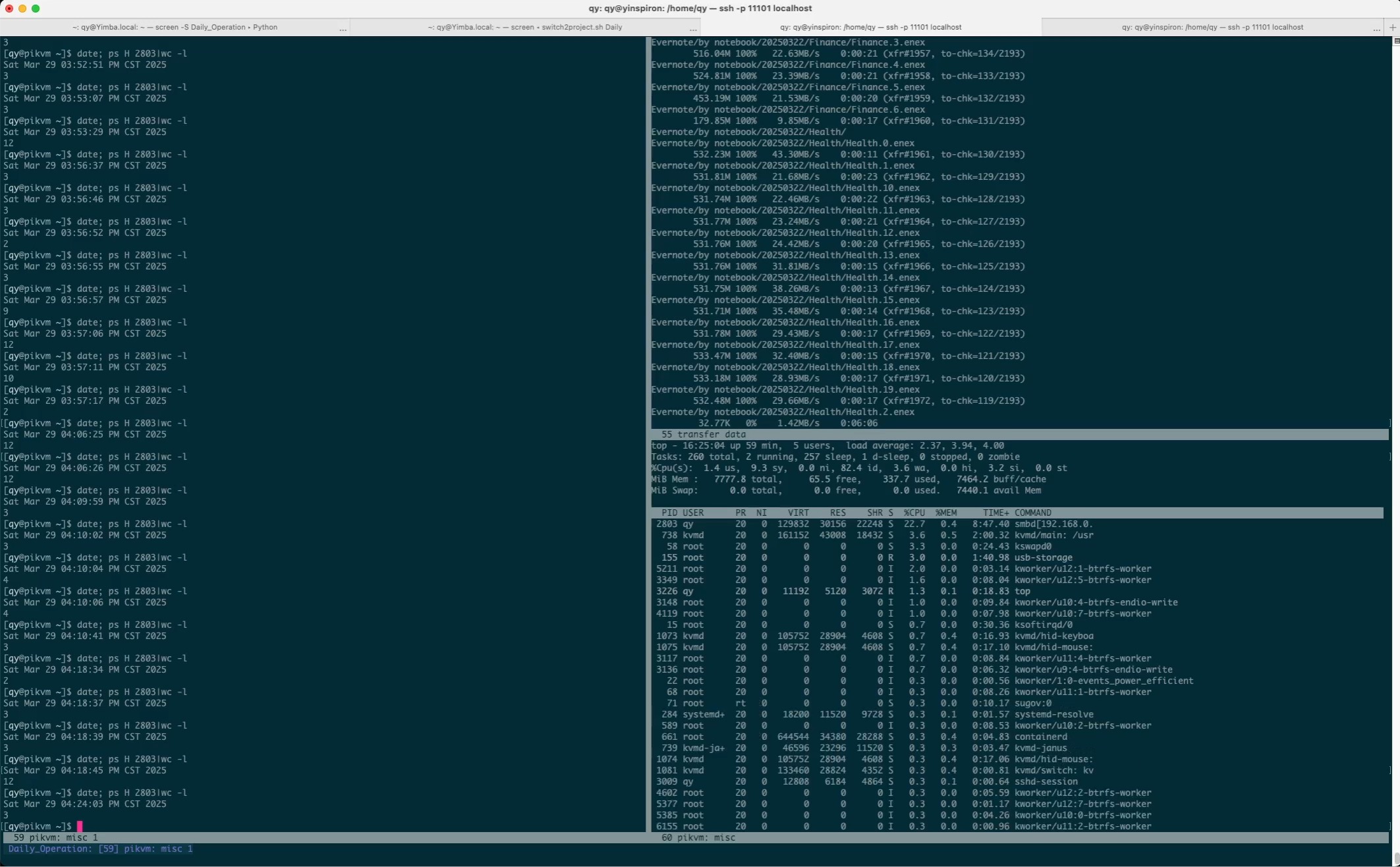
This is the state before the start of the test, when there was only one main thread of the samba server:
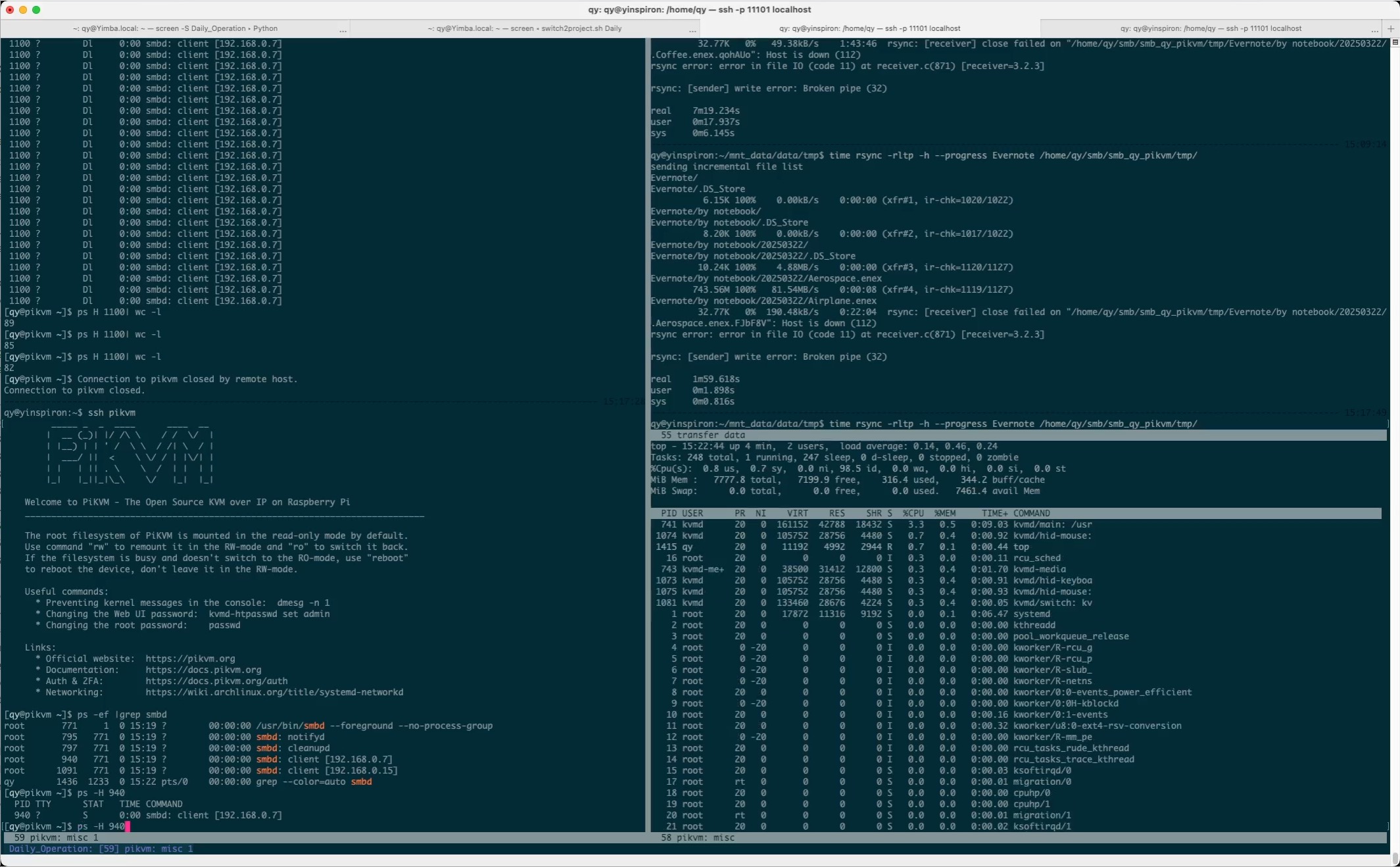
After the start of the test, the number of samba server threads climbs:
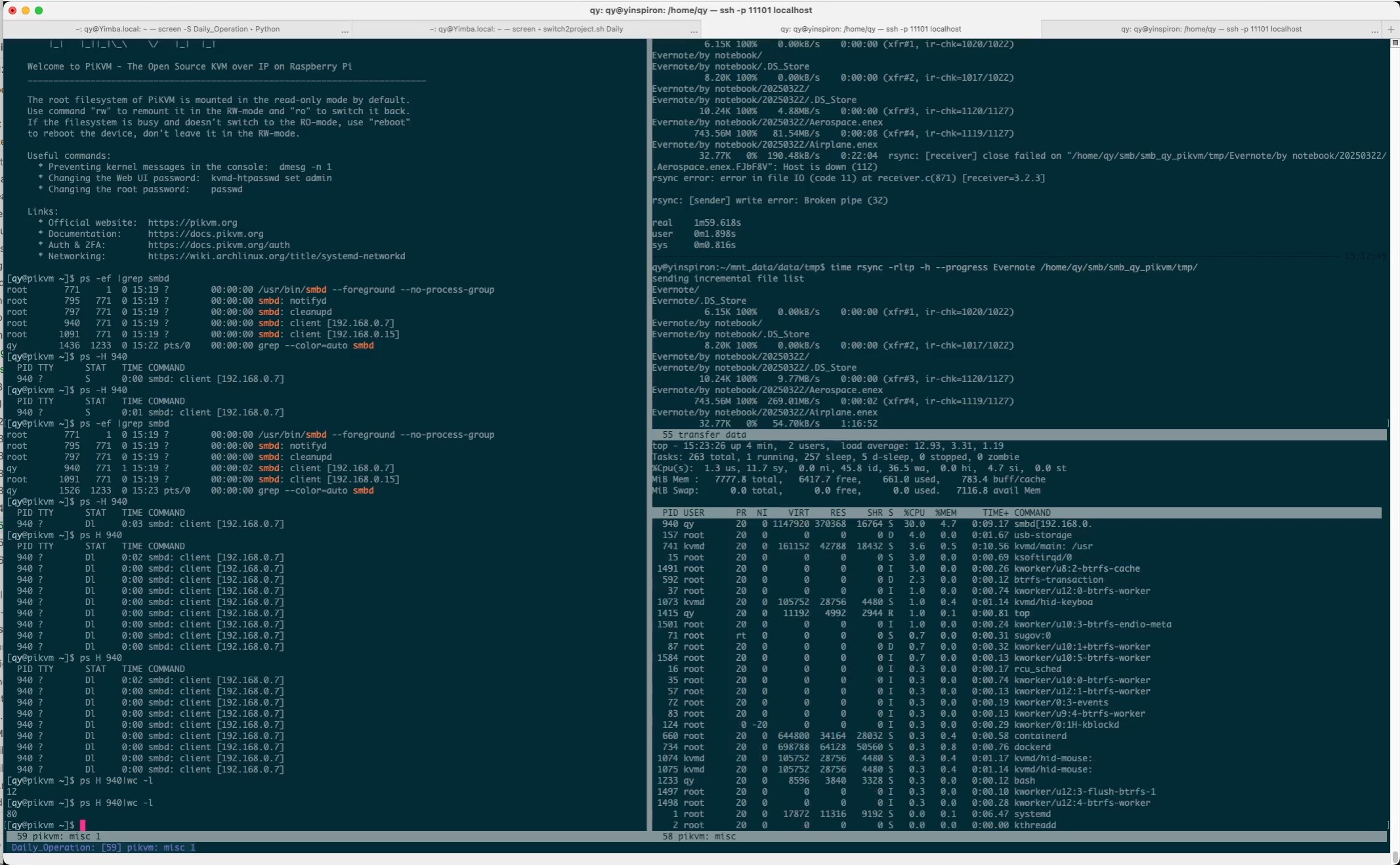
This is the snapshot just before the crash: there were 67 threads, and the 1-minute load average was 64. Note that the RPi 4B only has 4 cores!
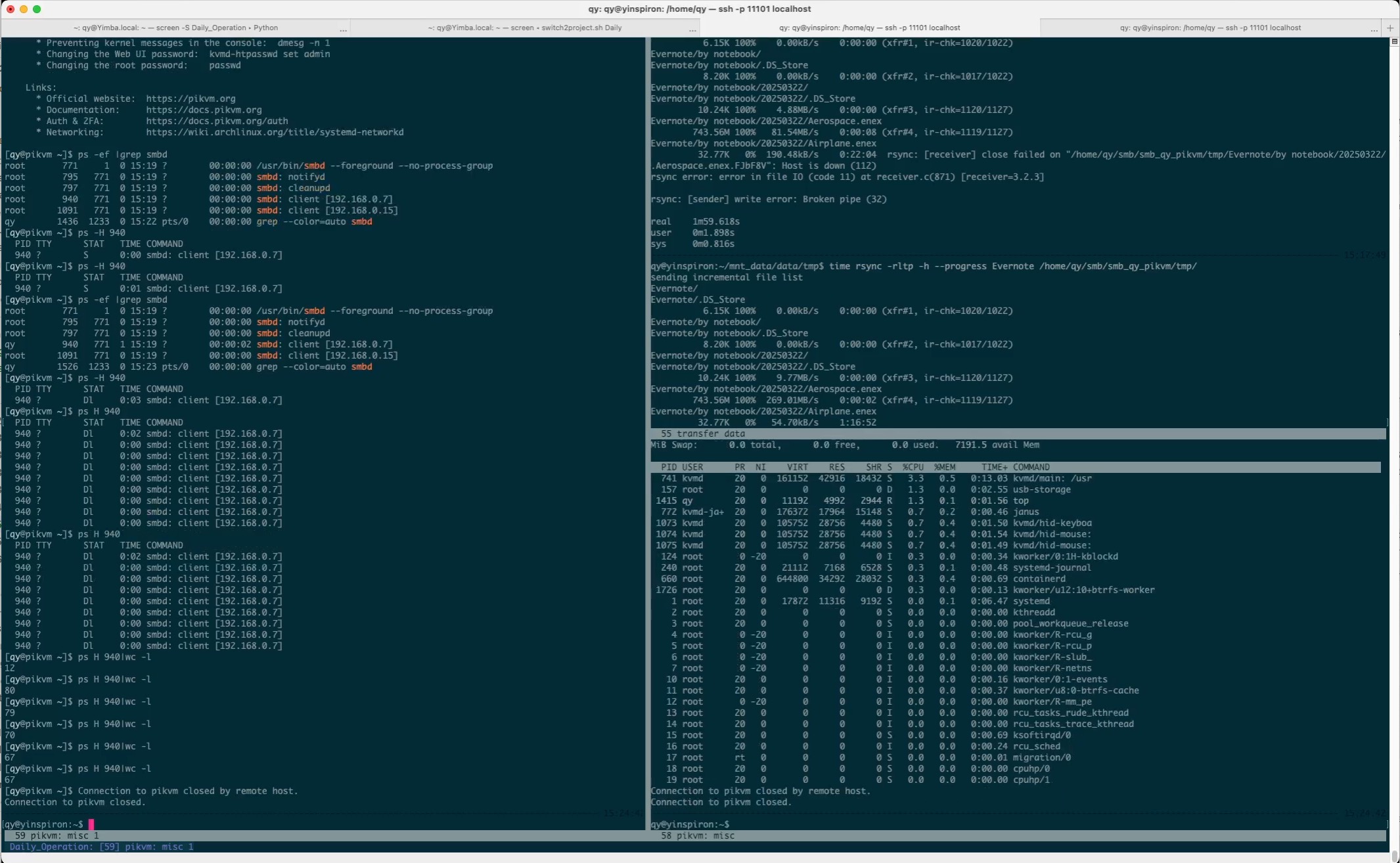
This is the relic after the crash:
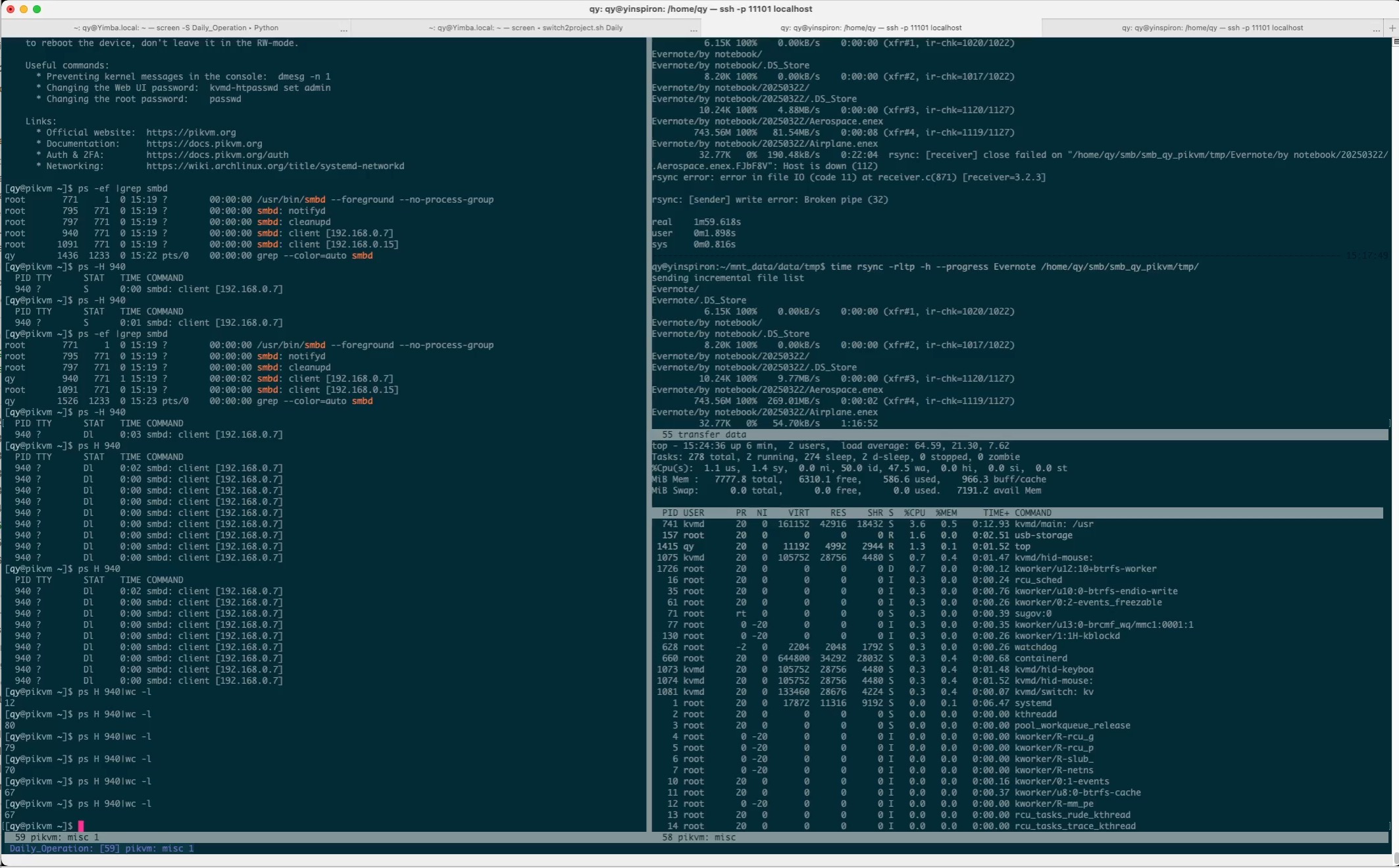
Obviously, the samba server spawned too many threads, which were unaffordable for this tiny machine.
Searching for the keyword “thread” in
smb.conf(5) — Arch manual pages, I
found this configuration item, aio max threads:
aio max threads (G)

The integer parameter specifies the maximum number of threads each smbd process will create when doing parallel asynchronous IO calls. If the number of outstanding calls is greater than this number the requests will not be refused but go onto a queue and will be scheduled in turn as outstanding requests complete.
Related command: aio read size

Related command: aio write size

Default: aio max threads = 100
After changing this value to 10, the 62 GB file in the test could be copied to my NAS smoothly: